Mastery Gradebook
I use mastery-based grading (also called standards-based grading) in my courses. Each standard gets its own question on my Gradescope assessments and its own assignment in my Canvas gradebook. But Gradescope passes only an assessment’s total score back to Canvas, and from the total I can’t tell which standards a student has mastered. In October 2026 I made this gradebook with Claude Code to fill in those Canvas assignments from the Gradescope exports, and in November I rebuilt it as a single web page.
Try it
The gradebook is one HTML file (246 KB) under the MIT License, and nothing needs to be installed. A course of your own needs Microsoft Edge or Google Chrome on a computer. Safari and Firefox don’t let a web page read and write a folder, so in those two browsers the gradebook opens only the sample course.
Open it here to look around with the sample course, or download it to use with your own course. Make an empty folder, choose it in the gradebook, and drop at least one Gradescope export onto the page, with a Canvas gradebook export and a class list if you have them.
- Auto-detected from your files.
- Your standards, with their descriptions from the Gradescope question titles.
- Which assessment covered which standards.
- The marks and a first guess at which of them count as mastered, when the exports use two to four different scores.
- The course’s title and term, which a Canvas gradebook export usually gives.
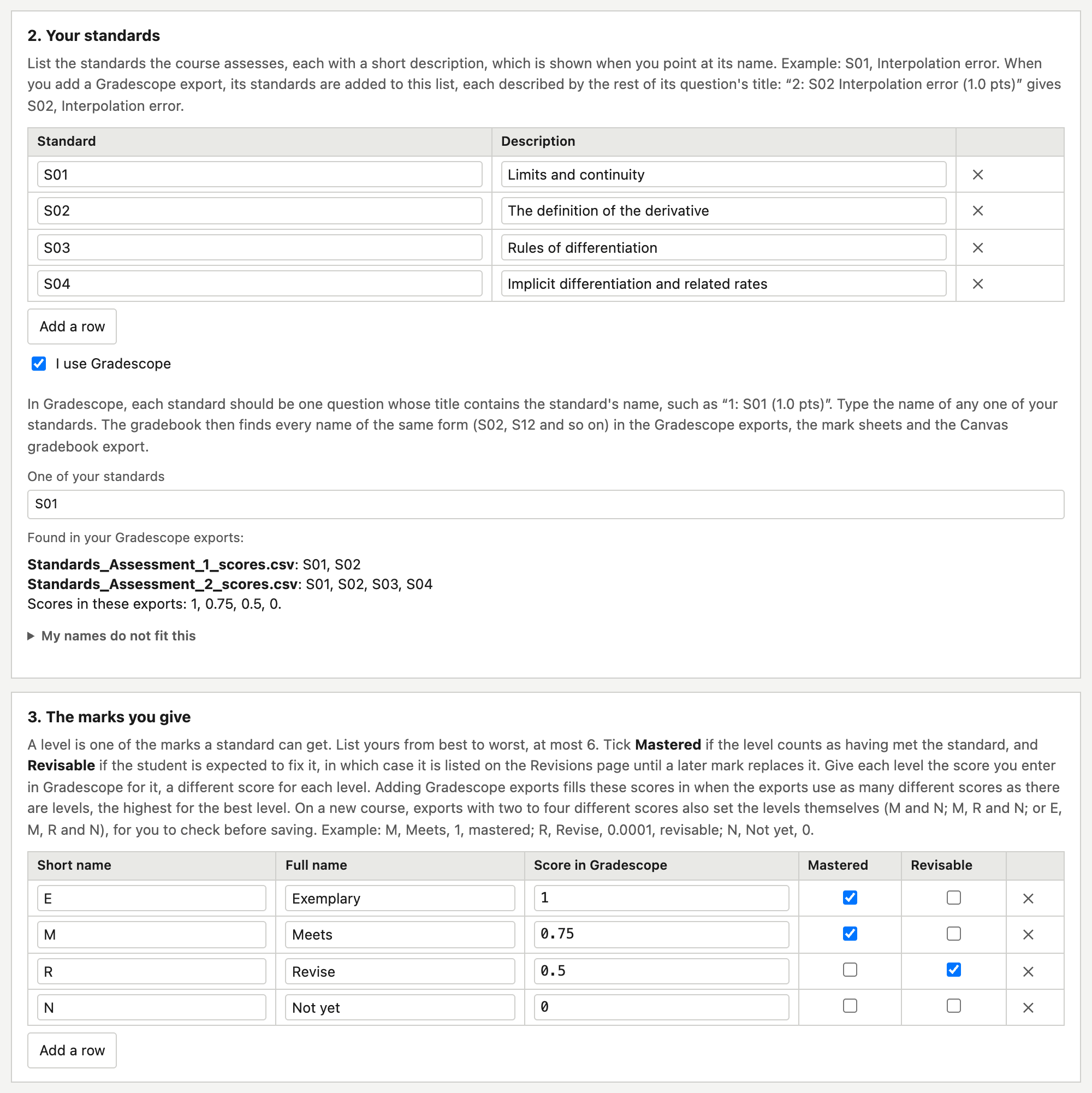
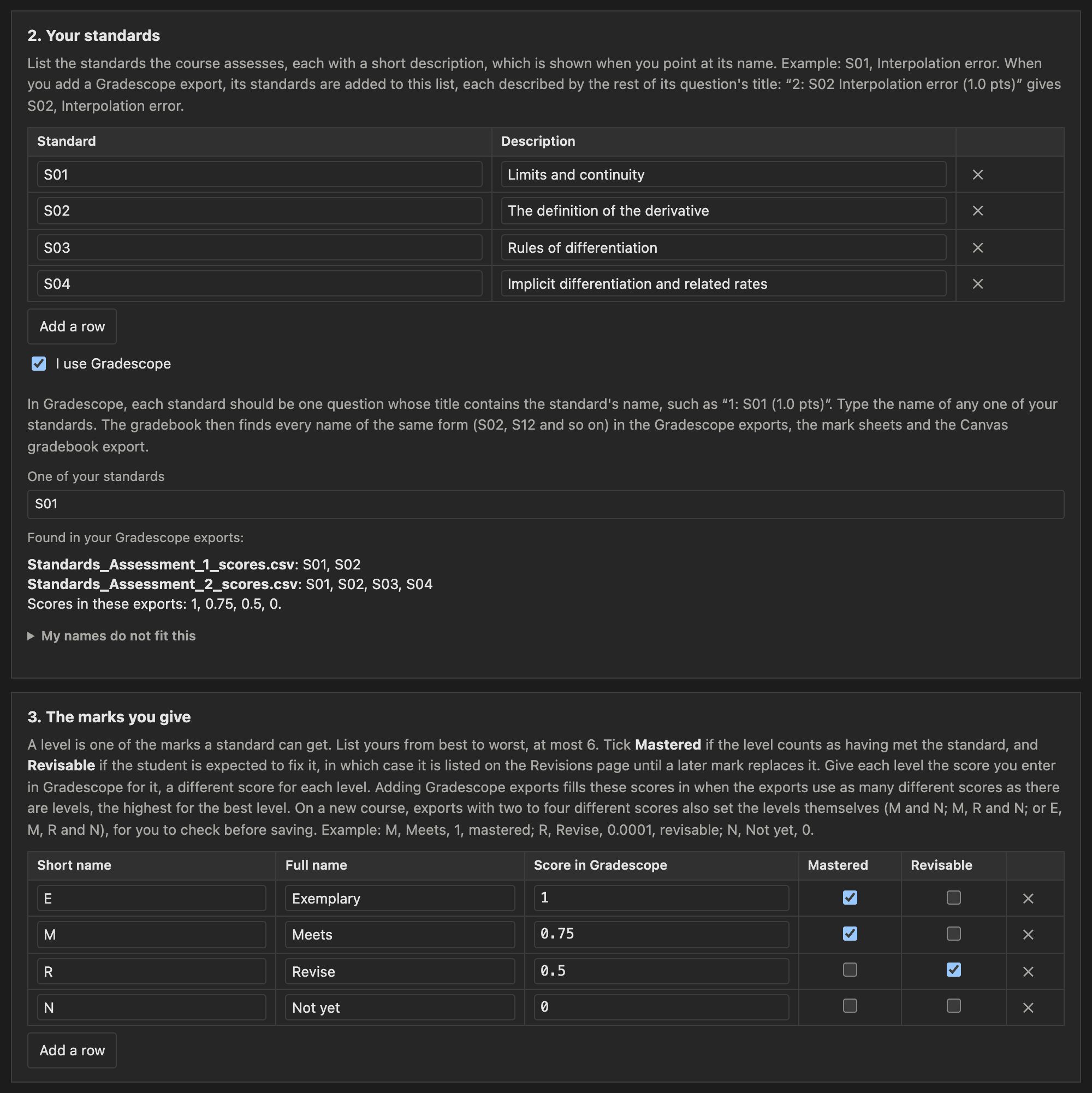
- Entered by you.
- The course’s title and term, if the Canvas export doesn’t give them.
- The marks, unless the exports use two to four different scores.
- If you use base grades, how many standards the course will assess and the rules for each grade.
- Which Canvas assignments are homework, if their names don’t start with “Homework”.
- Optional settings, such as tokens, limits on reassessments, and columns you fill in by hand.
Canvas and Gradescope
- Canvas upload. With a Canvas gradebook export added, a button writes the file to import into Canvas.


- Changes. The marks that changed and who joined or left.


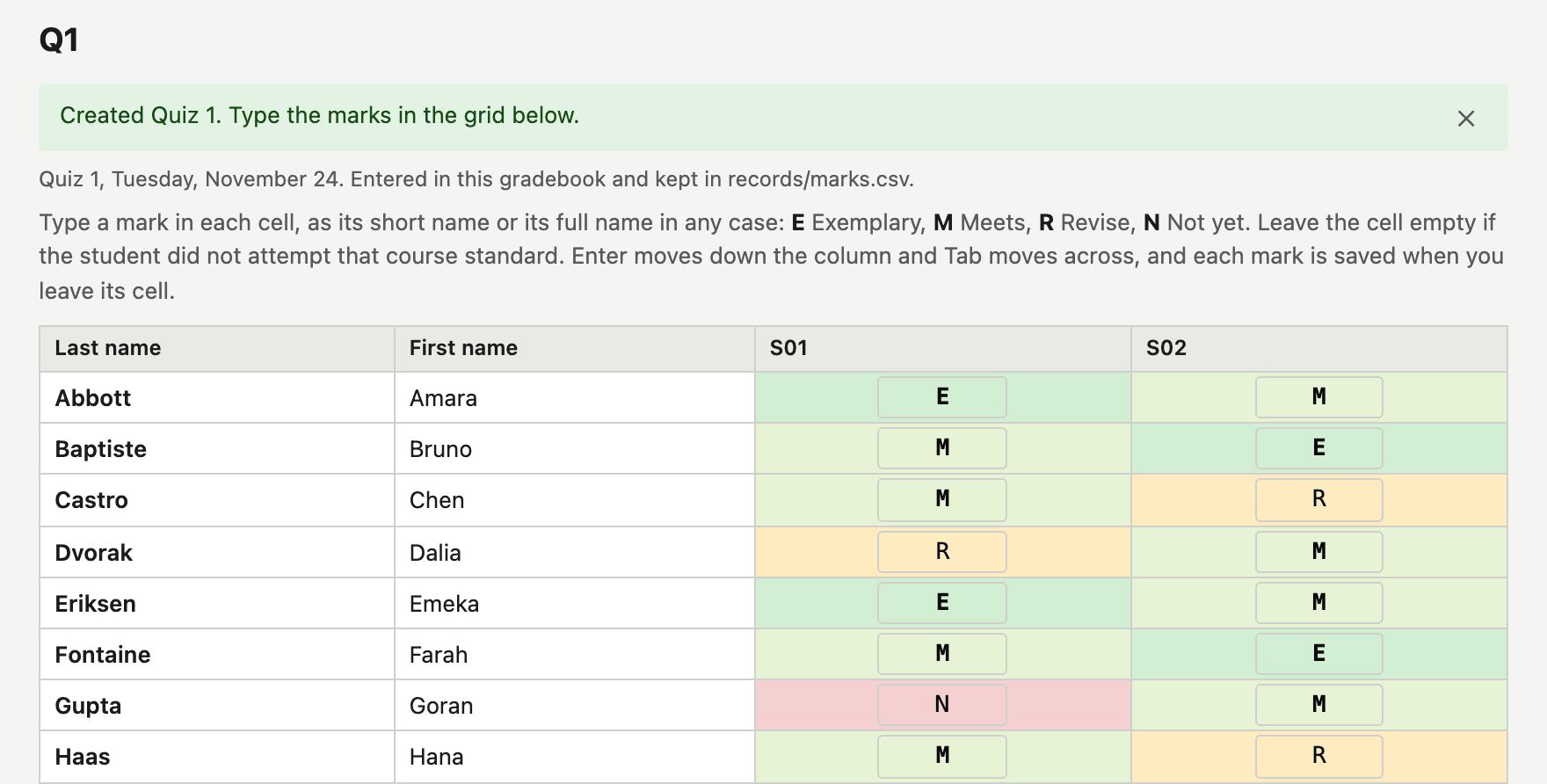
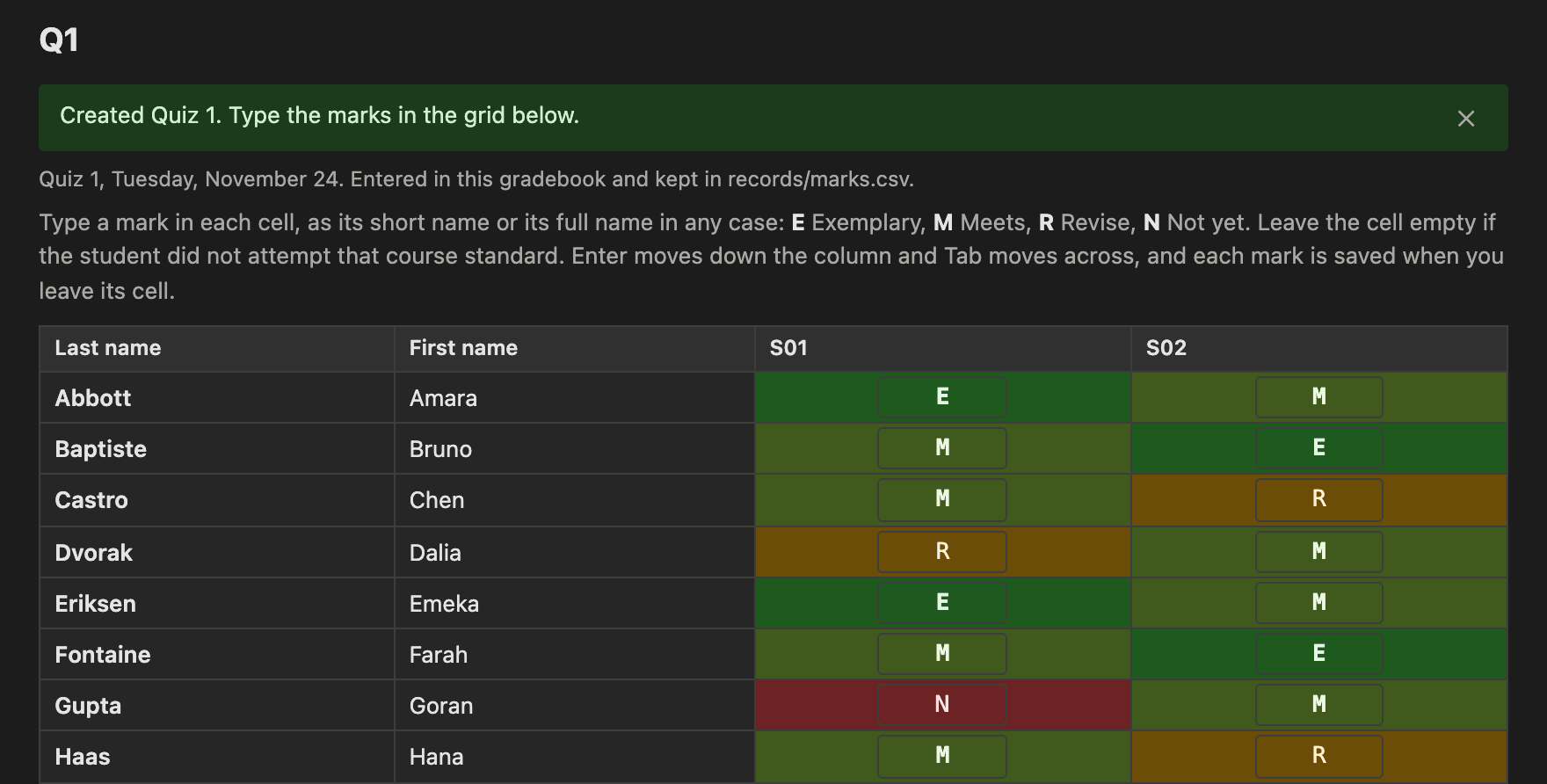
- Without Gradescope. A grid to type the marks into, or a template to fill.
The class
- Summary. Counts and charts for the whole class.
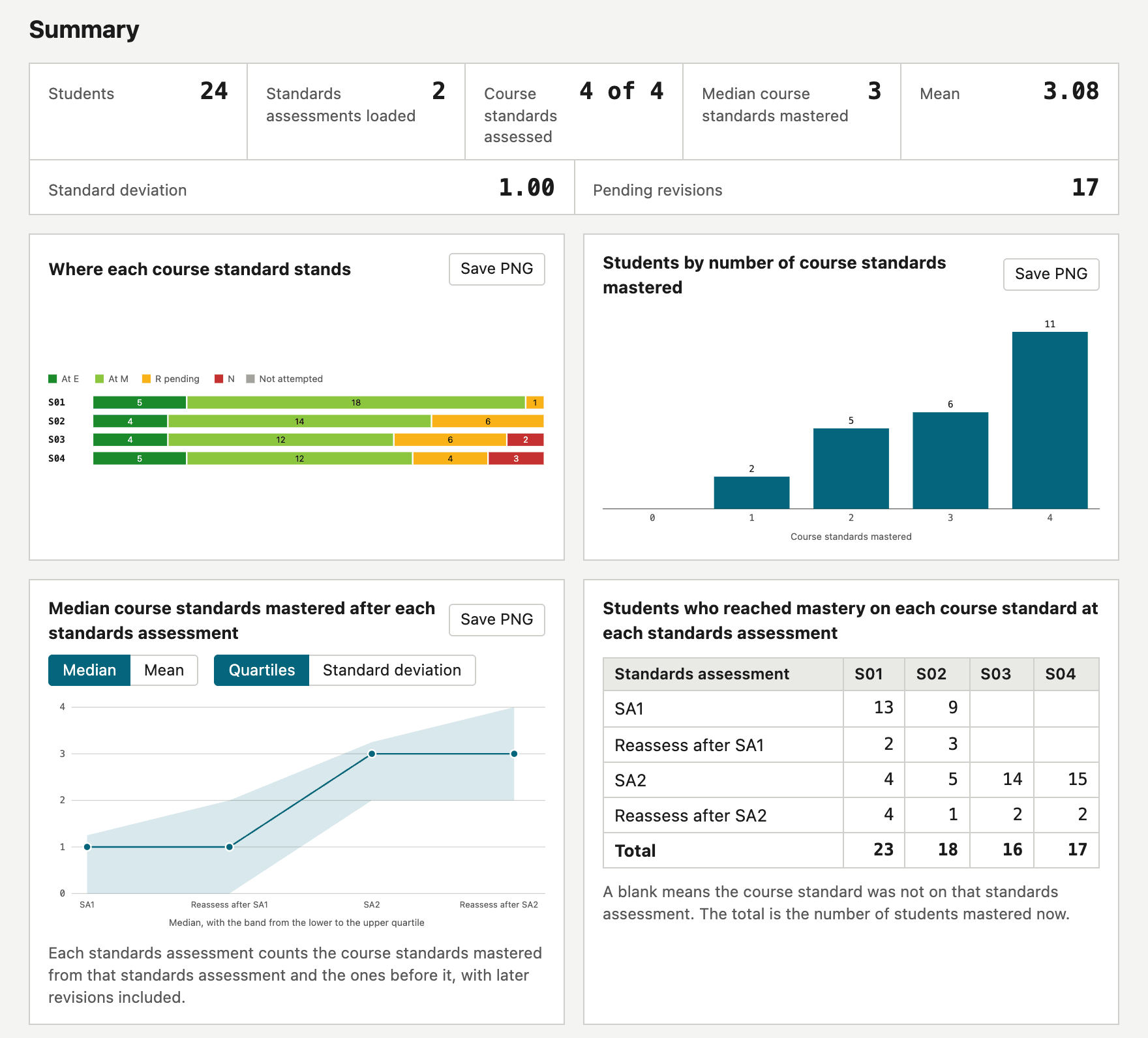
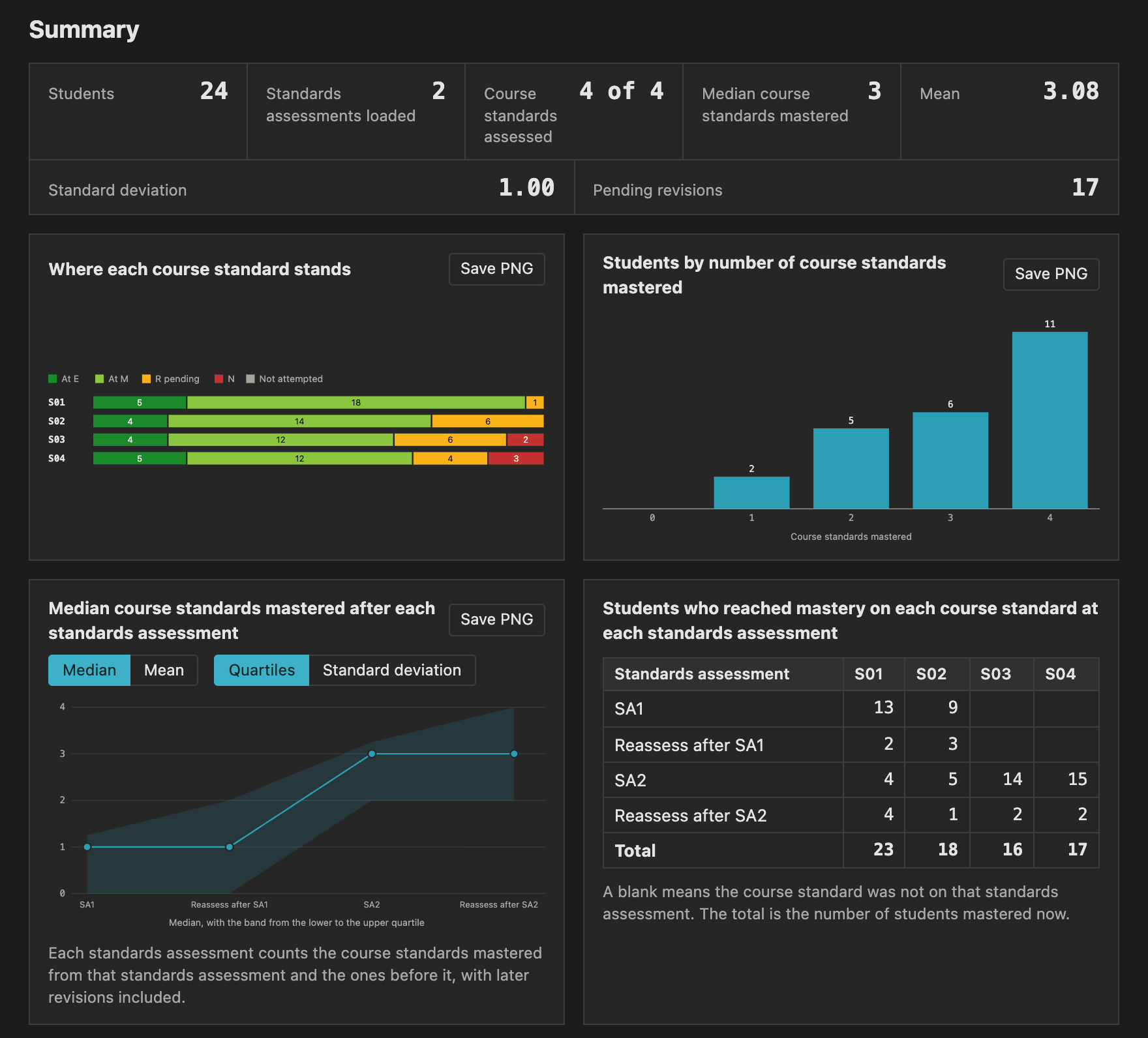
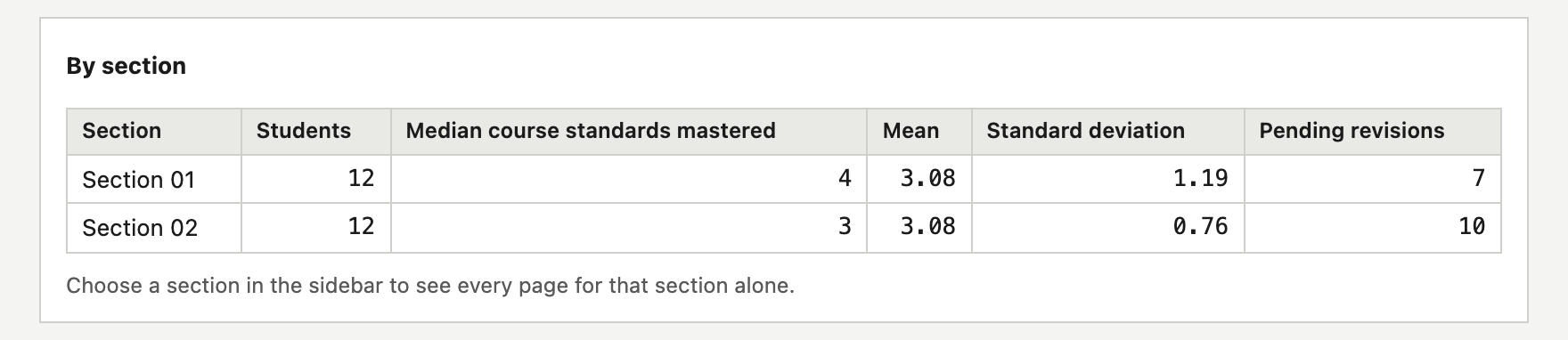
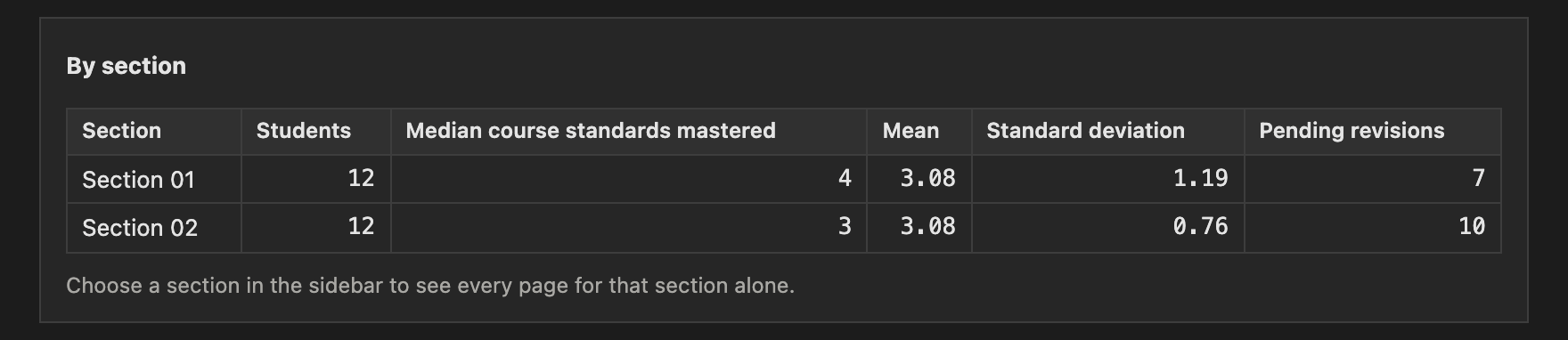
- Sections. A comparison of the sections, and a menu to see every page for one section at a time.
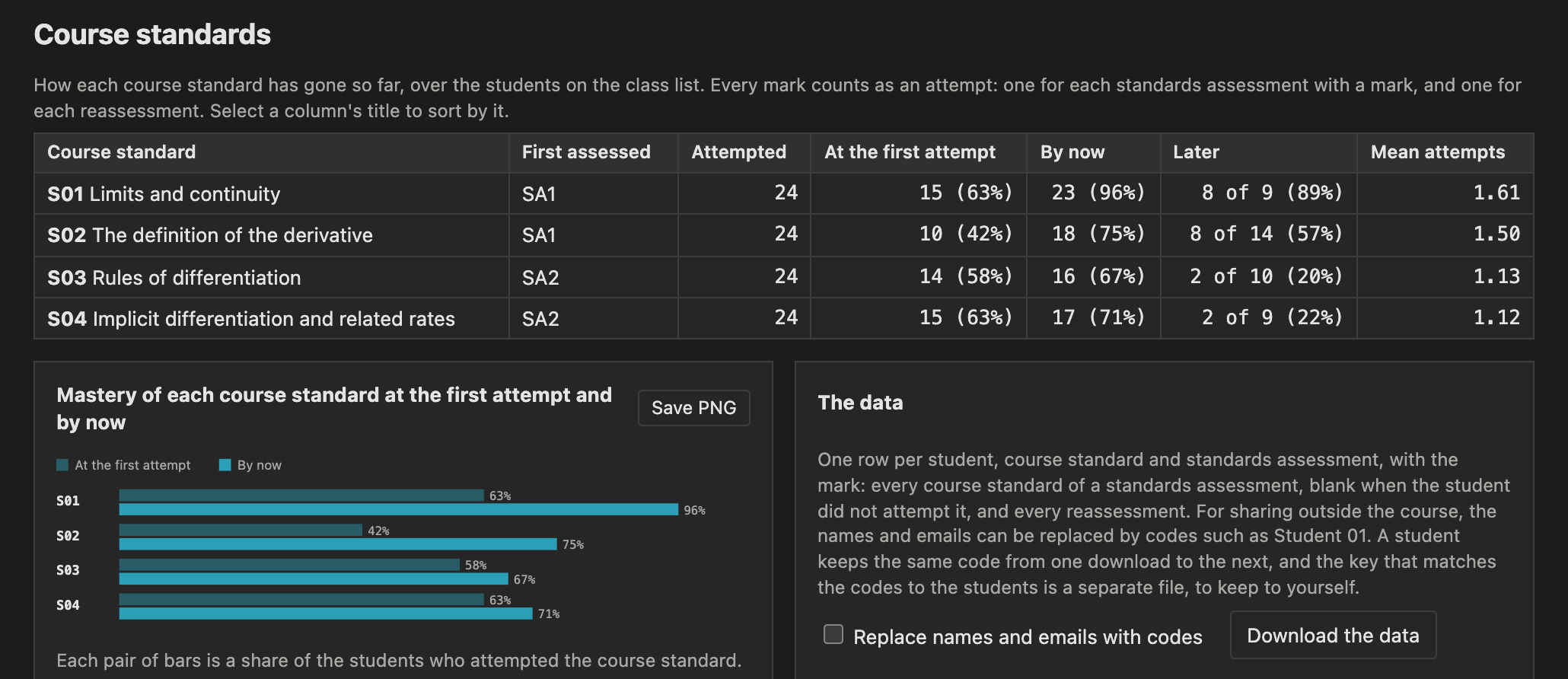
- Standards. Analysis of how each standard has gone so far.
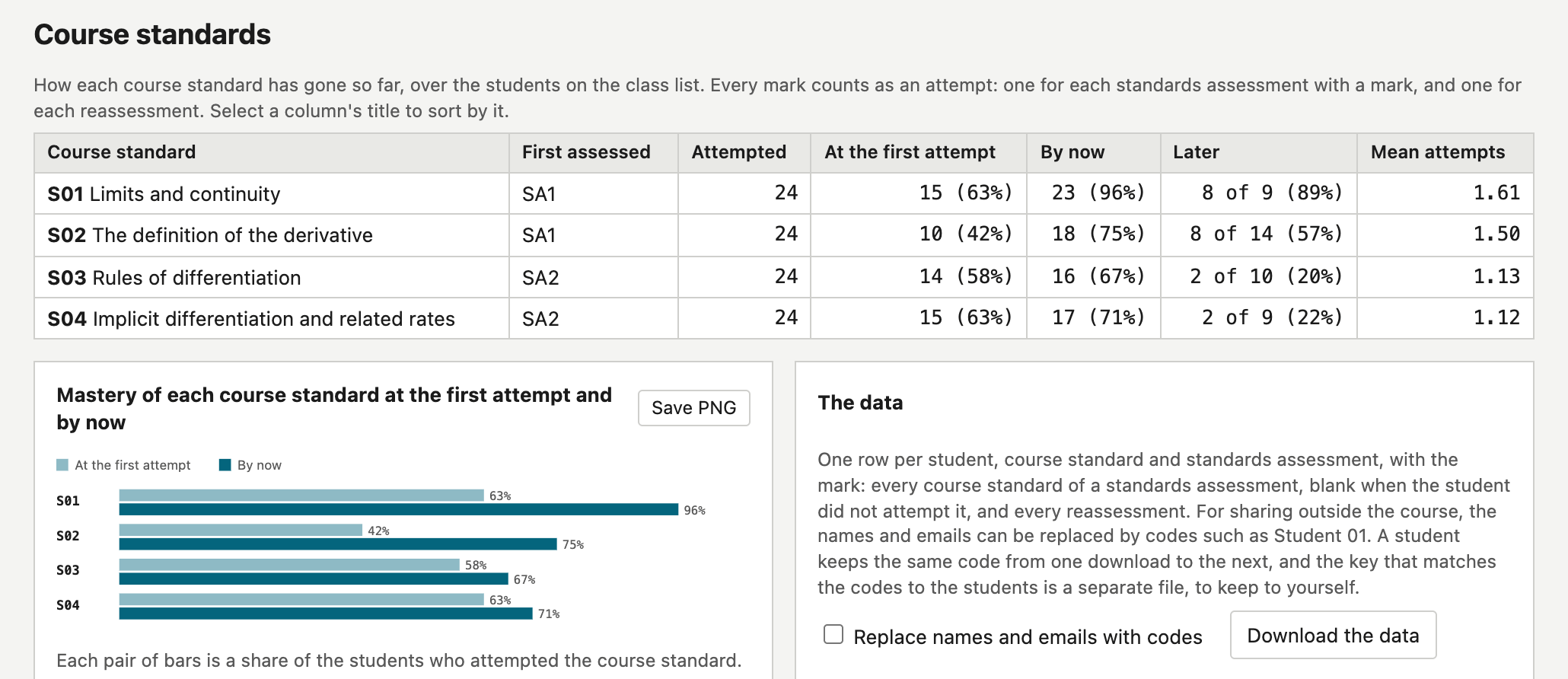
Each student
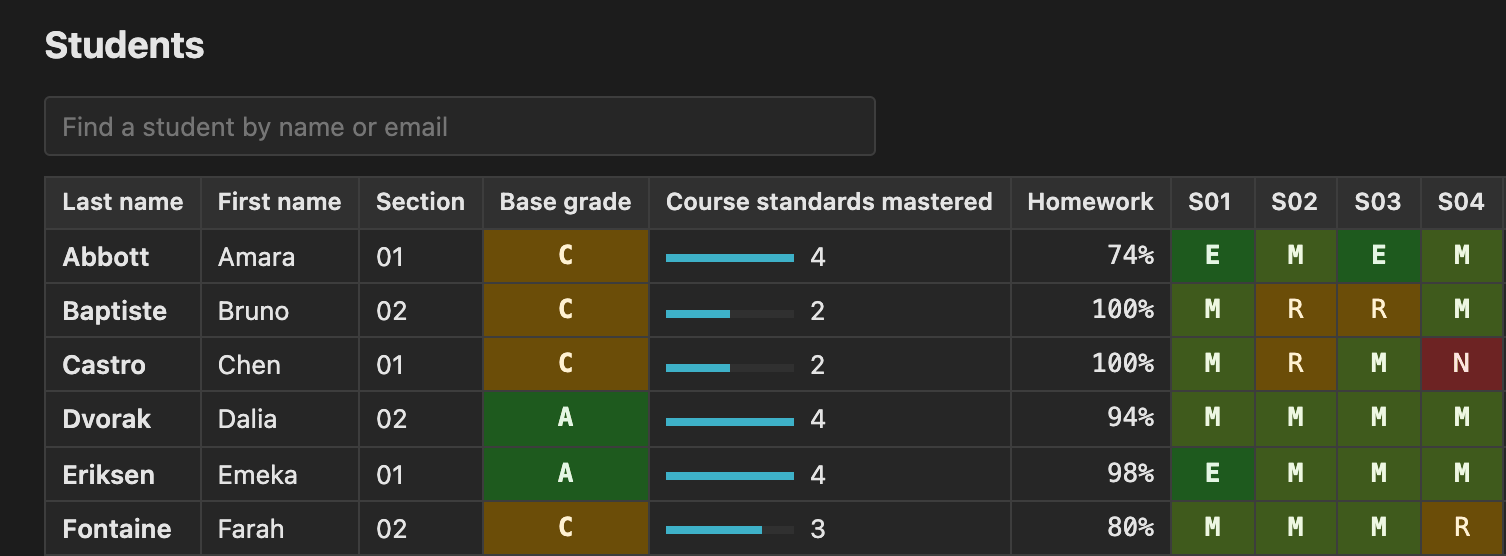
- Students. One row per student with sort and search.
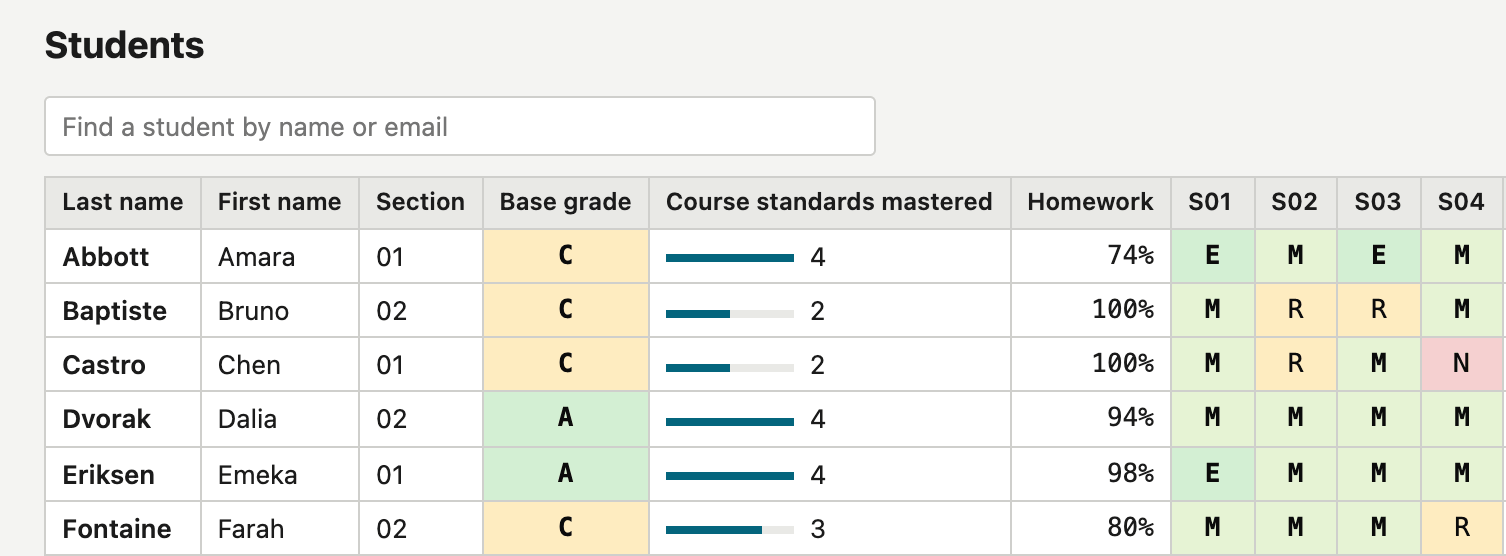
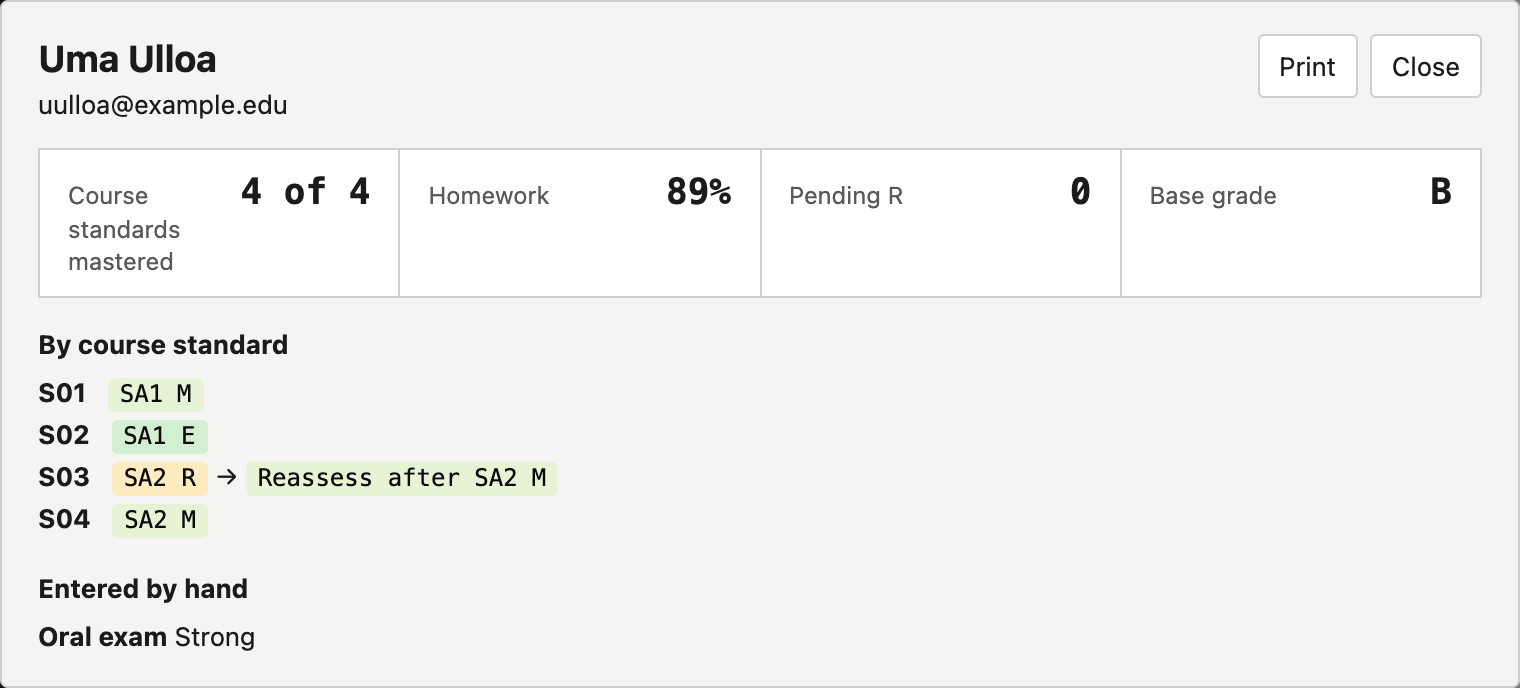
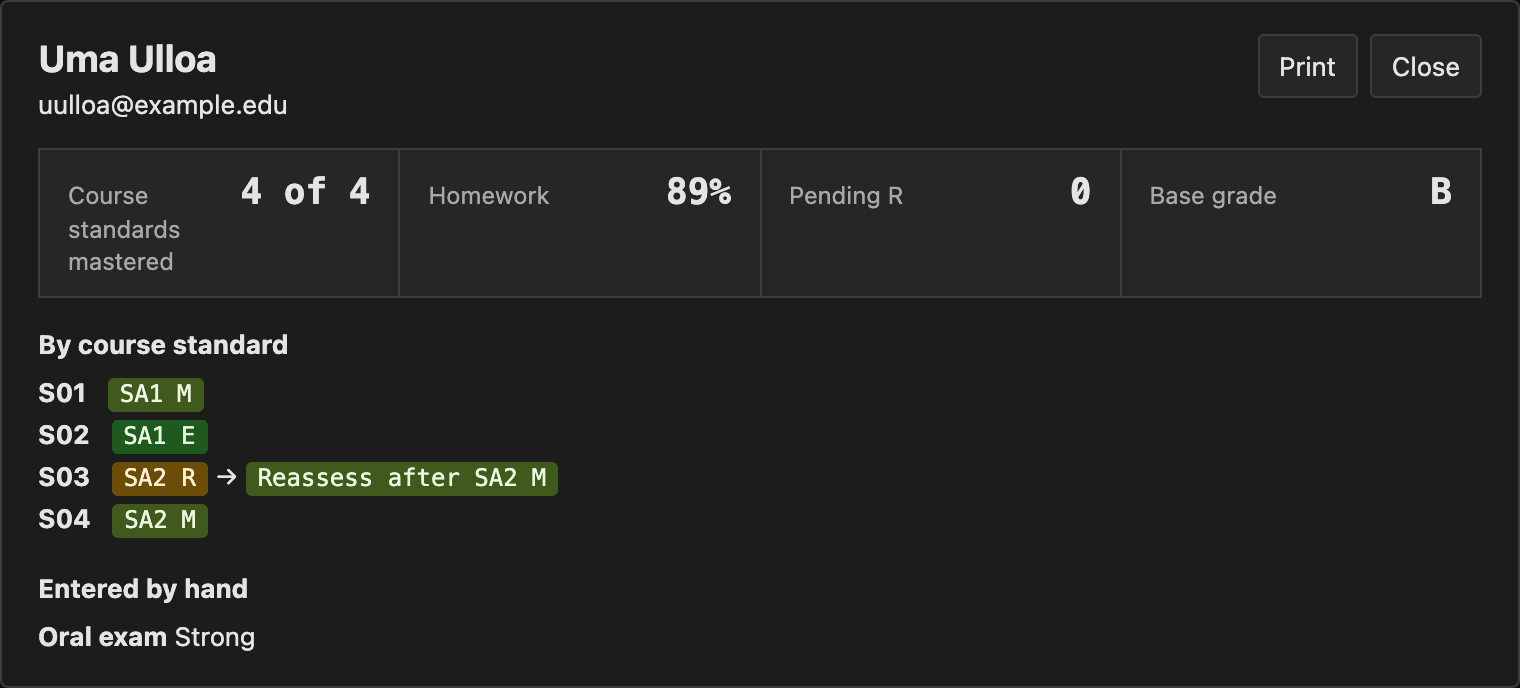
- Record. Keep track of each student’s improvement over the term, with a Print button for paper or PDF. You can also turn on a Progress page in Setup.
Reassessments
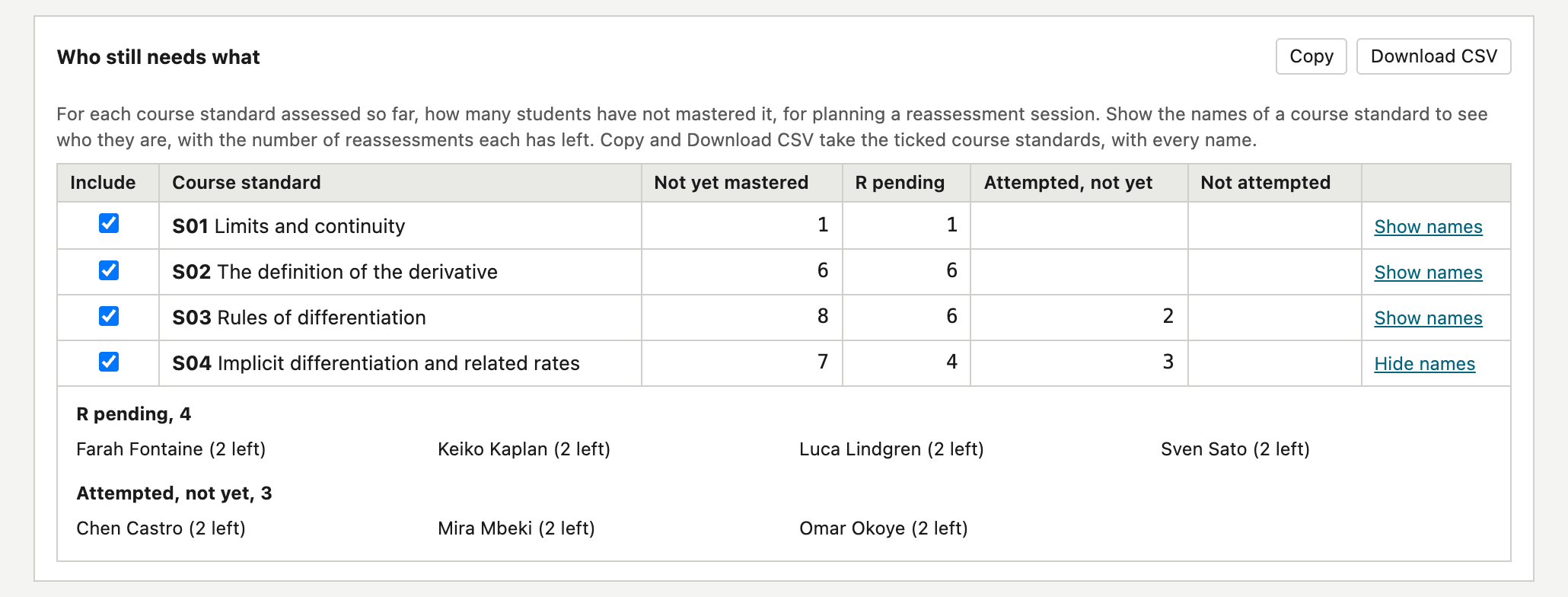
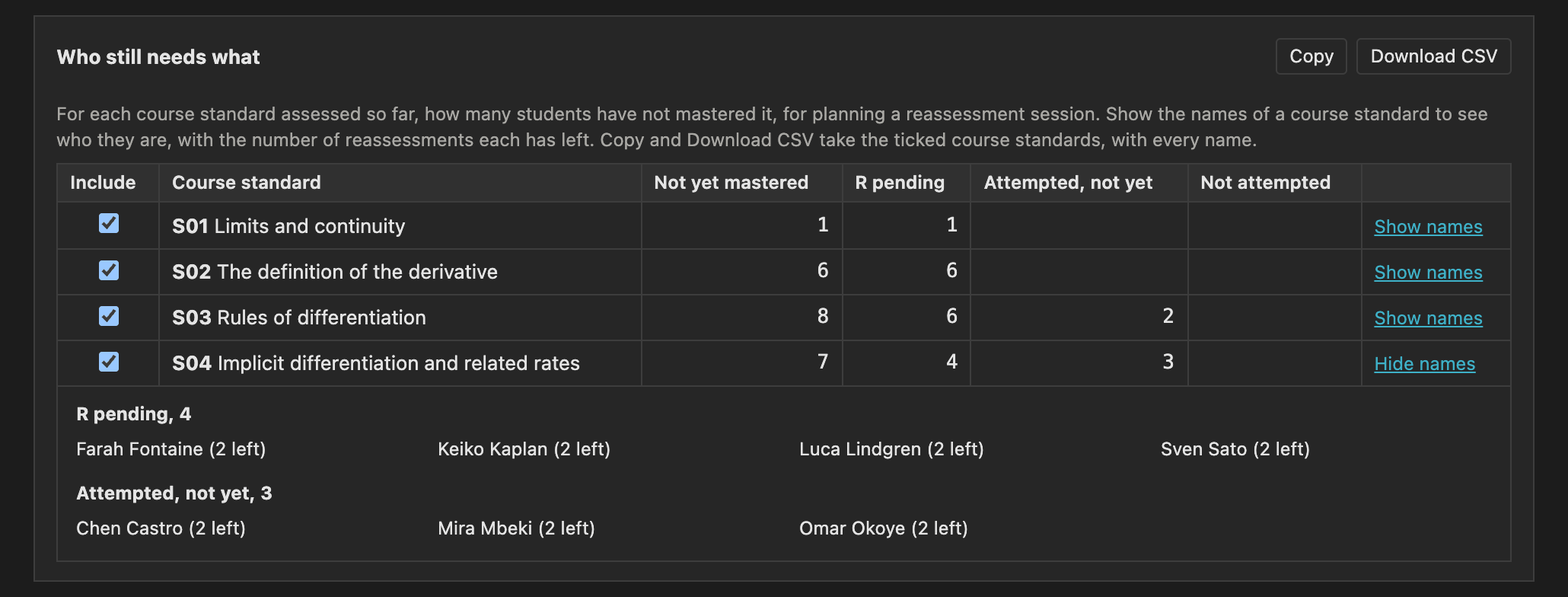
- Who still needs what. For each standard, the students who haven't mastered it yet.
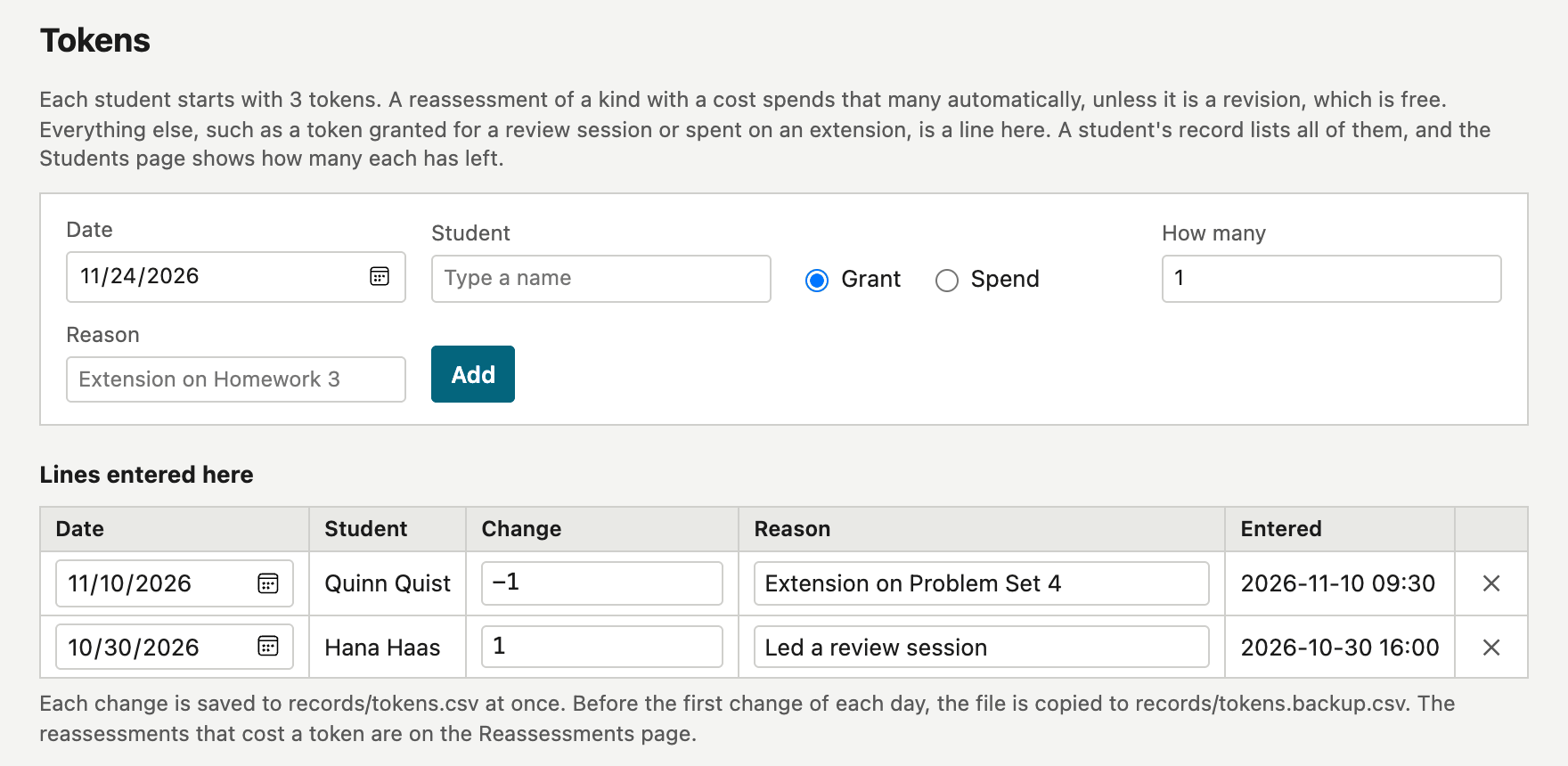
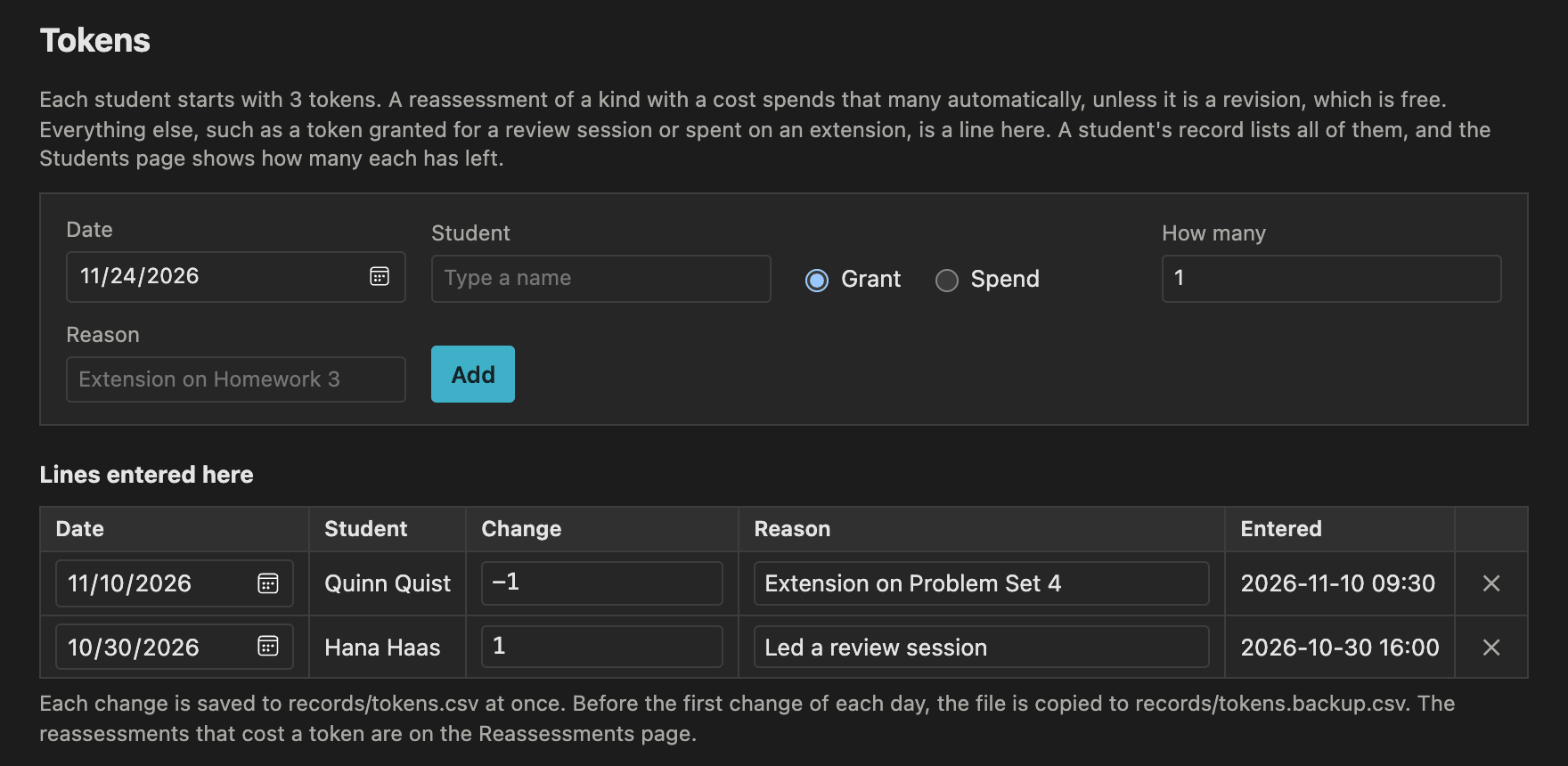
- Tokens. A number of tokens each student can spend on reassessments and extensions. Off until you turn them on in Setup.
Settings
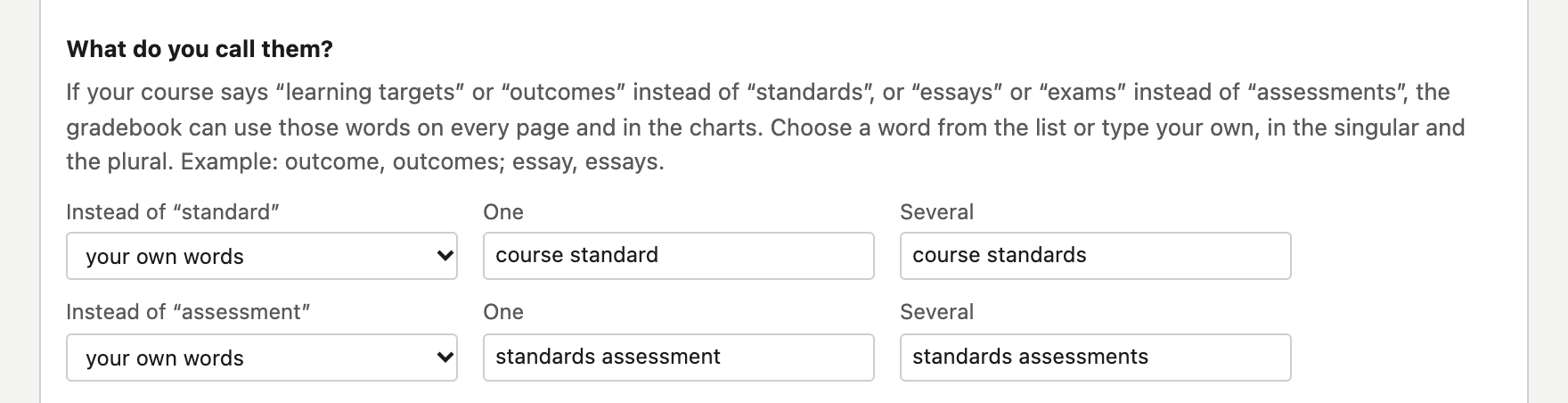
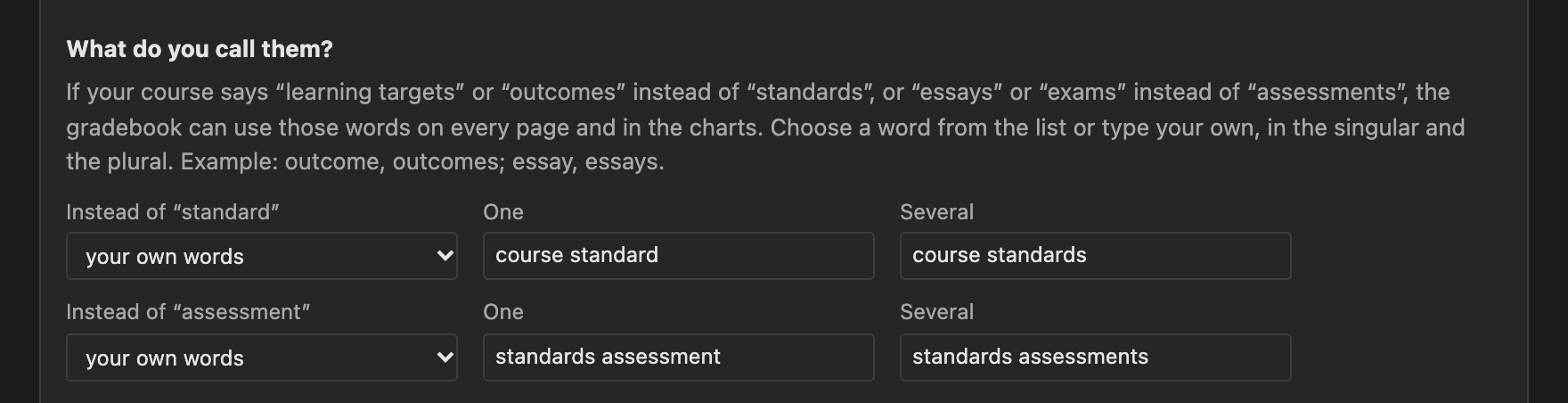
- Your own words. “Learning targets” instead of “standards”, or “essays” instead of “assessments”, on every page and chart.
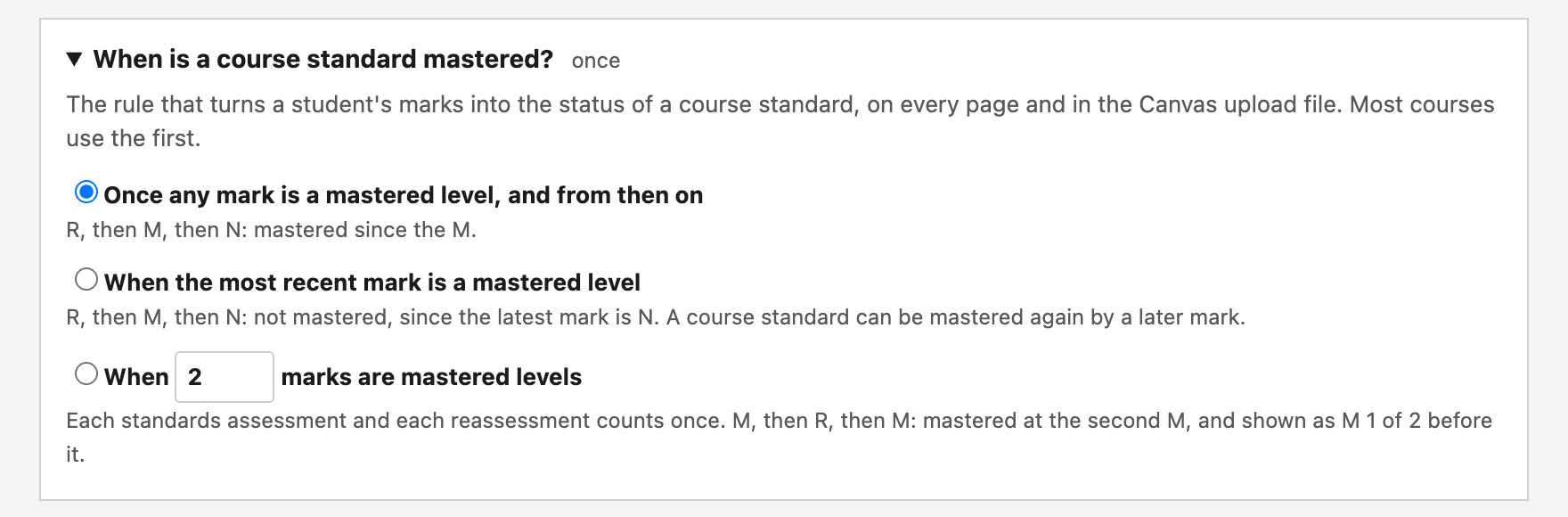
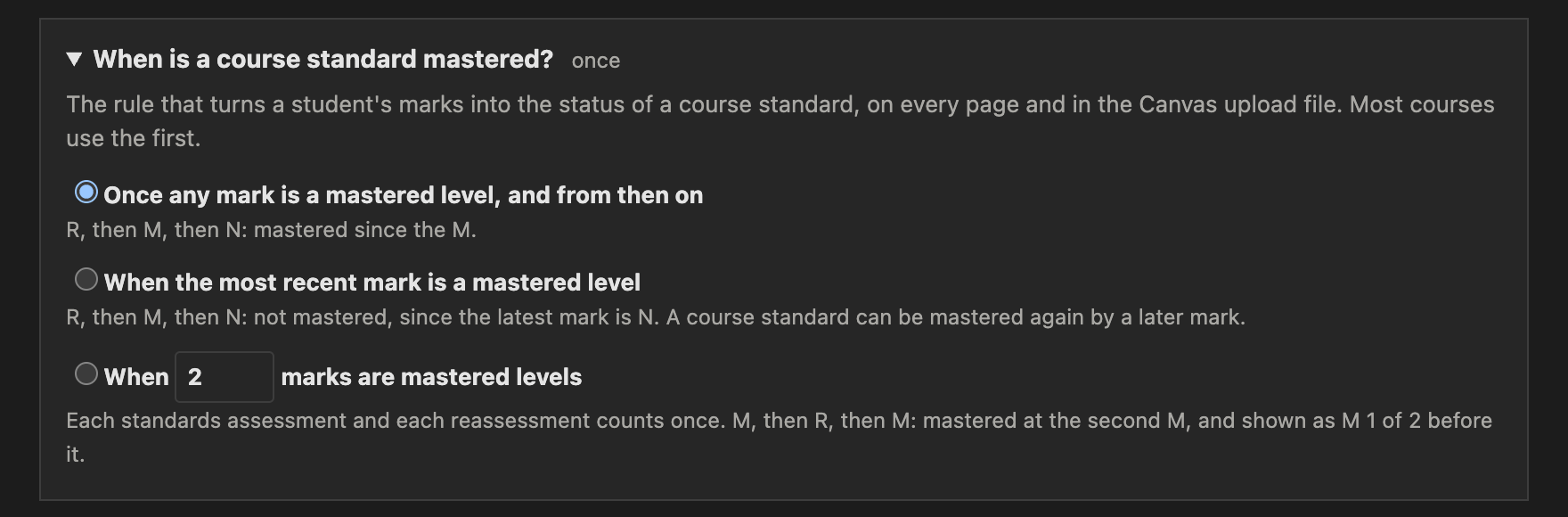
- When a standard is mastered. The first option is the default.
Your data
The gradebook runs in your browser and keeps each course in a folder on your computer. It doesn’t send student data anywhere, and a security policy in the page blocks every connection to anything outside the file.